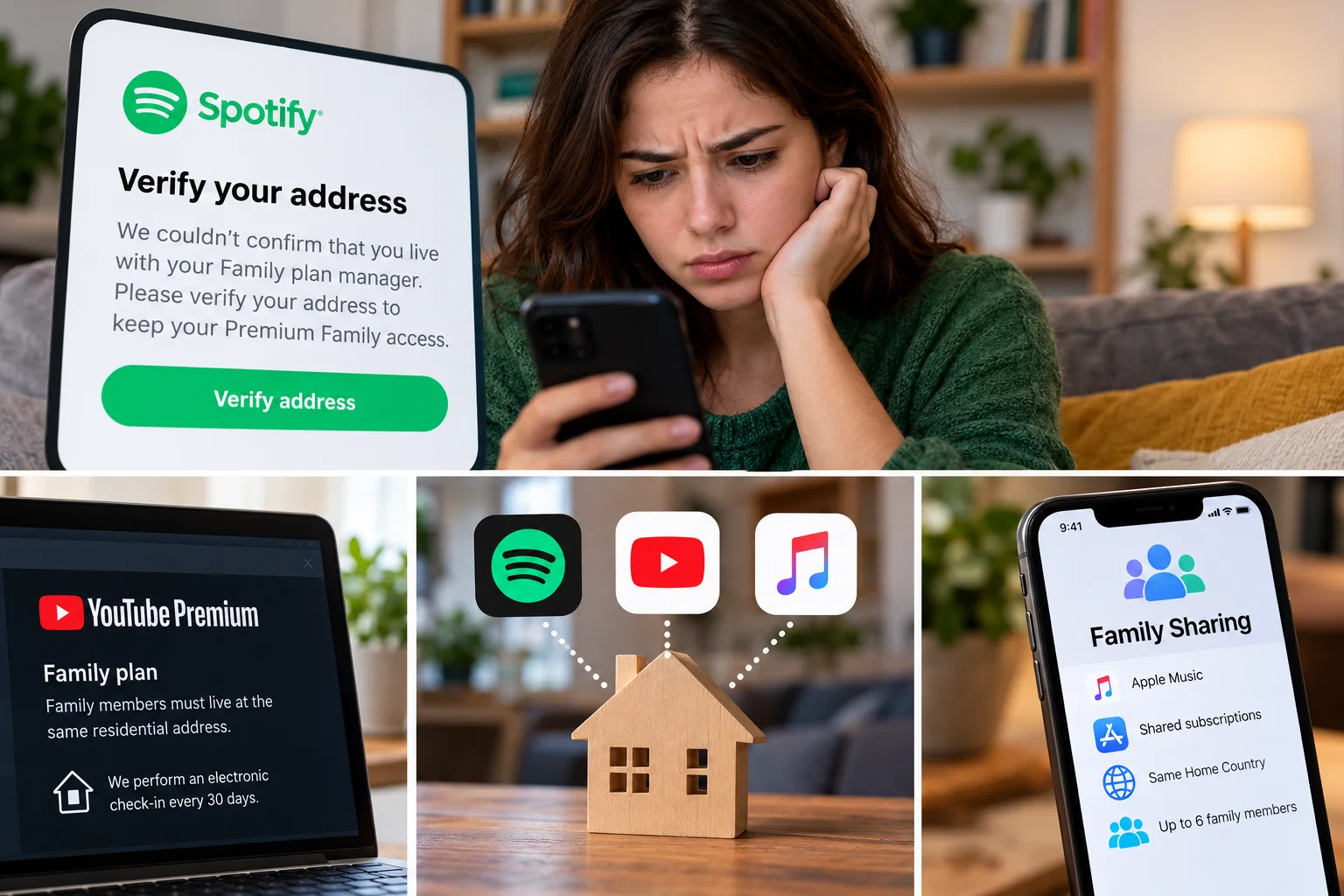
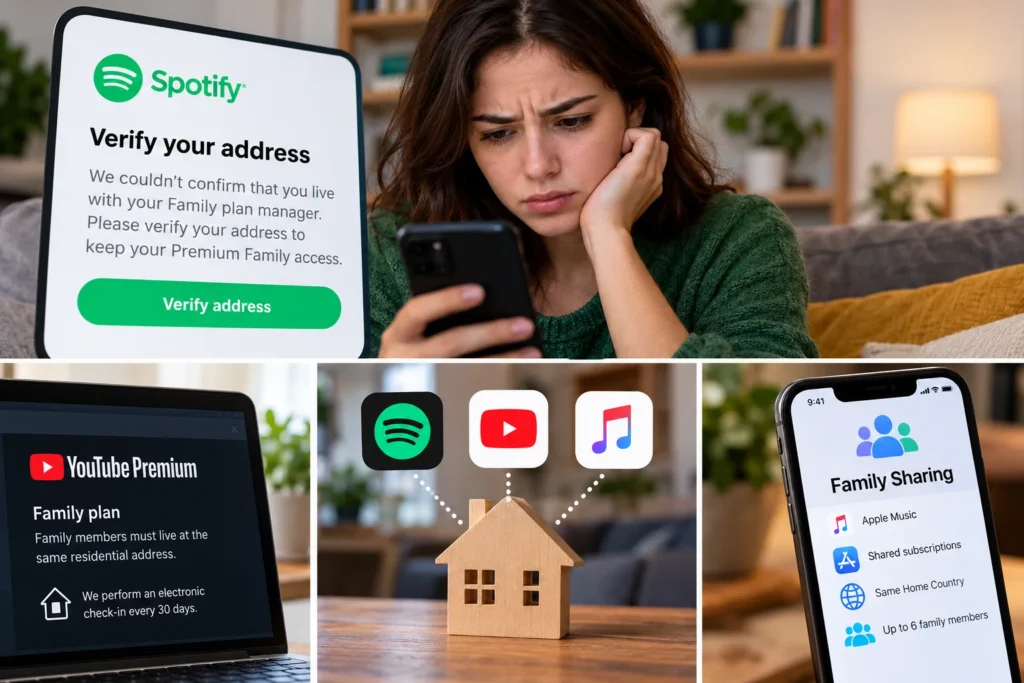
You live in the same house.
You use the same kitchen, argue over the thermostat, and occasionally hear somebody else’s Spotify playlist through a wall.
Then Spotify sends an email asking one of you to prove that you live together.
It feels as though an app has somehow examined your family arrangements and reached the wrong conclusion.
The good news is that Spotify’s system is less invasive than that sounds. Spotify says it does not track your location for Premium Family verification. What it does require is that Family members live with the plan manager and provide the same home address. It may ask for that address again when something no longer checks out.
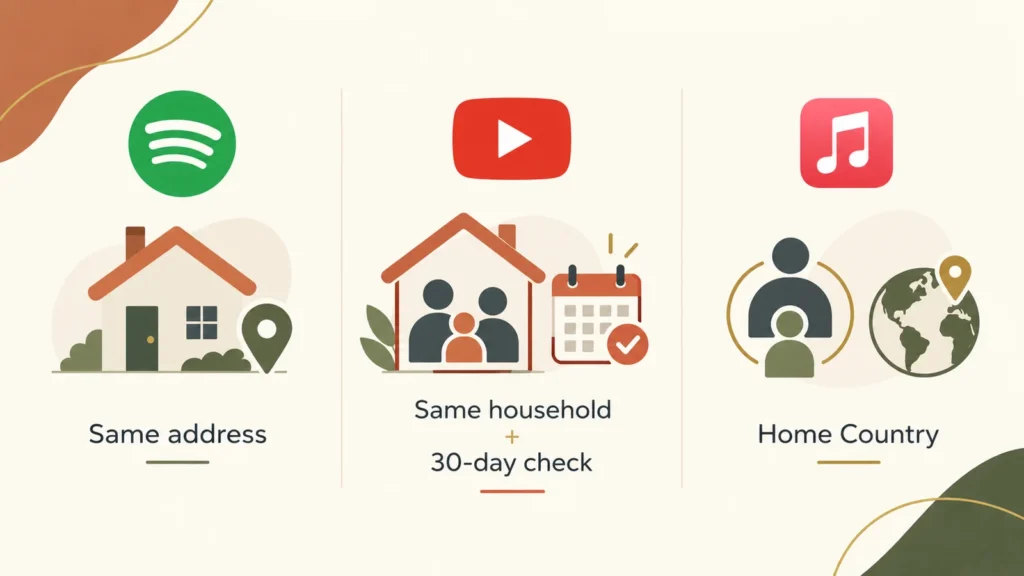
The more complicated news: Spotify is not the only service tightening the meaning of “family.” YouTube Premium has its own same-household rule and performs an electronic check-in every 30 days. Apple Music works differently enough that it should not really be put in the same bucket.
So before changing addresses, removing people, or accidentally locking somebody into the wrong plan for a year, it helps to know which problem you actually have.
What Spotify is really asking
Spotify Premium Family supports up to six people, but Spotify describes them as family members who live together. The plan manager enters the home address, and invited members are expected to enter that same home address when they join.
Spotify says it asks a member to verify the address in three situations:
- when the member first joins the Family plan;
- when the plan manager changes the Family address;
- when Spotify cannot confirm the member’s address.
That last one is the mysterious part.
Spotify does not publicly explain exactly what makes it unable to confirm an address. Its support documentation does not say, “We compare your GPS history,” or “You must connect to the home Wi-Fi every 30 days.”
In fact, Spotify explicitly says: “We don’t track your location. We only check your address to verify.”
So if you see advice online telling you to drive home, connect to Mom’s Wi-Fi, turn GPS on, play three songs and wait overnight, you are now several layers beyond what Spotify itself documents.
The useful thing to check first is much less exciting:
Did everybody enter the exact address associated with the Family plan?
Apartment numbers, abbreviations, address autocomplete and an old address still stored by the plan manager can turn a perfectly ordinary household into an account-support mystery.
The email matters more than you might think
If Spotify cannot confirm an invited member’s information, it sends that member an email asking them to verify again.
There is a seven-day deadline.
Successfully reverify and the account stays on Premium Family. Miss the deadline or fail verification, and the account drops to Spotify Free. Spotify says the person can rejoin the same Family or Duo plan, but after a failed verification they cannot join a different Family or Duo plan for 12 months.
That makes “I’ll just leave the family and try another invitation” a poor first troubleshooting move.
Check the address before rearranging the family.
A college student is where “family” and “household” collide
Imagine Maya lives with her parents in New Jersey, then moves into a dorm in Boston for the school year.
Nobody in this fictional family thinks Maya has ceased to be part of the family.
Spotify’s subscription rule is asking a different question: does she live with the plan manager?
Spotify does not define Premium Family simply as a plan for relatives. Its U.S. support page says members need to be living with the plan manager.
That distinction matters because an address-verification problem is not always a technical error waiting for the right button.
Sometimes the software is enforcing the rule as written.
If Maya actually lives somewhere else most of the year, repeatedly typing her parents’ address does not turn the situation into a troubleshooting problem. At that point, it makes more sense to compare whatever individual or student plans she qualifies for than to spend an afternoon trying to persuade an address form otherwise.
And importantly, losing Family Premium does not mean you need to abandon the Spotify account itself. Spotify says a member who fails verification switches to the free version of Spotify; the account is not described as being deleted.
That is a much less catastrophic problem than it first appears.
YouTube Premium is actually stricter — at least in what it publicly says
YouTube Premium Family has a similar household requirement, but Google is more explicit about recurring verification.
Family members must live at the same residential address as the family manager, and Google says an electronic check-in every 30 days confirms that requirement.
That sounds tantalizingly specific until you ask the obvious next question:
Electronic check-in using what?
Google’s public help page doesn’t provide a technical recipe. It does not tell the user that passing the check requires a particular home router, GPS reading, IP address or number of nights spent at an address.
So there are two things we know:
YouTube checks household eligibility every 30 days.
We do not have an official public description detailed enough to reverse-engineer the check.
That second sentence is important. Otherwise a useful explanation quickly turns into folklore.
YouTube says that if it cannot confirm that a member is in the same household as the family manager, the member may see an alert saying Premium access will be paused. Google directs that person to the accompanying email for instructions.
There is another mundane source of trouble worth checking: country and payment-profile mismatches. Google says that if the country or region in a Google Pay account does not match the person’s current location, Family setup can produce country-related errors.
Again, check the boring account information before trying clever fixes.

Apple Music is the odd one out
This is where articles about “streaming family geofencing” often become misleading.
Apple Music Family also lets up to six people use the subscription with their own accounts and personal music libraries. It works through Apple’s broader Family Sharing system.
But Apple’s published rules are not the same as Spotify’s or YouTube’s.
Apple’s current Media Services terms say Family members must share the same Home Country. Apple’s Family Sharing support documentation describes an organizer inviting family members into a Family Sharing group. In the official material reviewed for this article, Apple does not describe the Spotify-style process of entering the same street address or YouTube’s 30-day household electronic check-in.
That doesn’t mean Apple has no fraud controls or account checks.
It means we should not invent one.
If an Apple Music Family member is having trouble, troubleshoot Family Sharing, the Apple Accounts and their country/region settings rather than assuming there is a hidden Spotify-style home-address test.
If you really do live together, do these things first
For Spotify, start with the plan manager.
Open the Family plan information and check the address Spotify currently has. Spotify allows the plan manager to check or change that address from the Family page.
Then have the affected member use the same actual residential address when responding to the verification request.
Do not improvise a slightly different version because it looks more postal-official. Spotify’s own support documentation says that if an address does not autocomplete, you can enter the full address and use Find. If that still fails, Spotify suggests selecting the building, street name or a nearby public place or building — while specifically warning not to use somebody else’s address.
If an invitation itself is failing, Spotify recommends another wonderfully unglamorous fix: open the invitation in an incognito or private browser window. A previously used invitation can also expire, in which case the manager can send another one.
For YouTube Premium, verify that the family member genuinely shares the manager’s residential address and check the Google Pay country/region if you’re getting a country mismatch. If YouTube has already sent a household-verification email, follow that process rather than repeatedly leaving and rebuilding the Google family group.
There is a reason to be cautious here: Google says you can switch family groups only once every 12 months.
Don’t share one login just to make the warning disappear
A Family plan is designed to give each person a separate account.
On Spotify, every Family member keeps their own login. On YouTube, family members use their own Google Accounts and keep their own libraries, subscriptions, recommendations and watch histories. Apple Family Sharing likewise uses each person’s own Apple Account.
That is worth preserving.
Sharing the plan manager’s password may appear to solve the subscription problem, but it creates a much uglier account problem: mixed recommendations, account-security risk and one person’s listening or viewing becoming everybody’s.
The family-plan model itself is not the mistake.
The confusing part is that streaming companies use the ordinary word family while often selling something narrower: a household subscription.
So what is the least annoying answer?
If everyone really lives at the same address, treat a verification message as an account-data problem first.
Check the manager’s address. Check the invited member’s entry. Watch the verification deadline. On YouTube, check the country/region information as well.
Don’t start moving accounts between family groups until you know you need to.
If somebody genuinely lives elsewhere — a student who has moved out, an adult child in another apartment, or a partner maintaining a different residence — Spotify and YouTube’s published household rules may simply no longer fit that arrangement. There isn’t a legitimate settings trick that changes what “same household” means.
And if you’re comparing services specifically because your family does not all live under one roof, don’t assume Apple Music uses the identical rule. Apple’s published Family Sharing structure is materially different, and that difference is worth checking when choosing which subscription actually fits your family.
The small irony is that the scary part of the Spotify message — How does it know where I live? — has the simpler answer.
According to Spotify, it isn’t tracking your location.
It’s checking whether the address attached to the Family plan can be verified.
And before doing anything more elaborate, that is exactly where you should look.