You buy a smart bulb because the box promises a gentler morning. Then a visitor flips the wall switch off.
The bulb loses power. Its schedule disappears. The app reports that the lamp is “unavailable,” which you had already gathered from the darkness. Now you are flicking the switch on and off in a six-part reset sequence, trying to remember whether the fourth flick was supposed to be fast or slow.
This is how a two-second household task becomes technical support.
There are smart home gadgets worth buying, but they tend to be the boring ones. They warn you about an expensive problem, spare you a repeated physical nuisance, or make a genuinely complicated control easier to use. They also keep doing something useful when the internet goes down.
If you want one firm recommendation, start with a water-leak sensor. The other three on this list—a smart plug, a wired video doorbell, and a smart thermostat—are worth considering when they solve a problem you already have. Buying them in search of a problem is how the trouble starts.
Start with a water-leak sensor
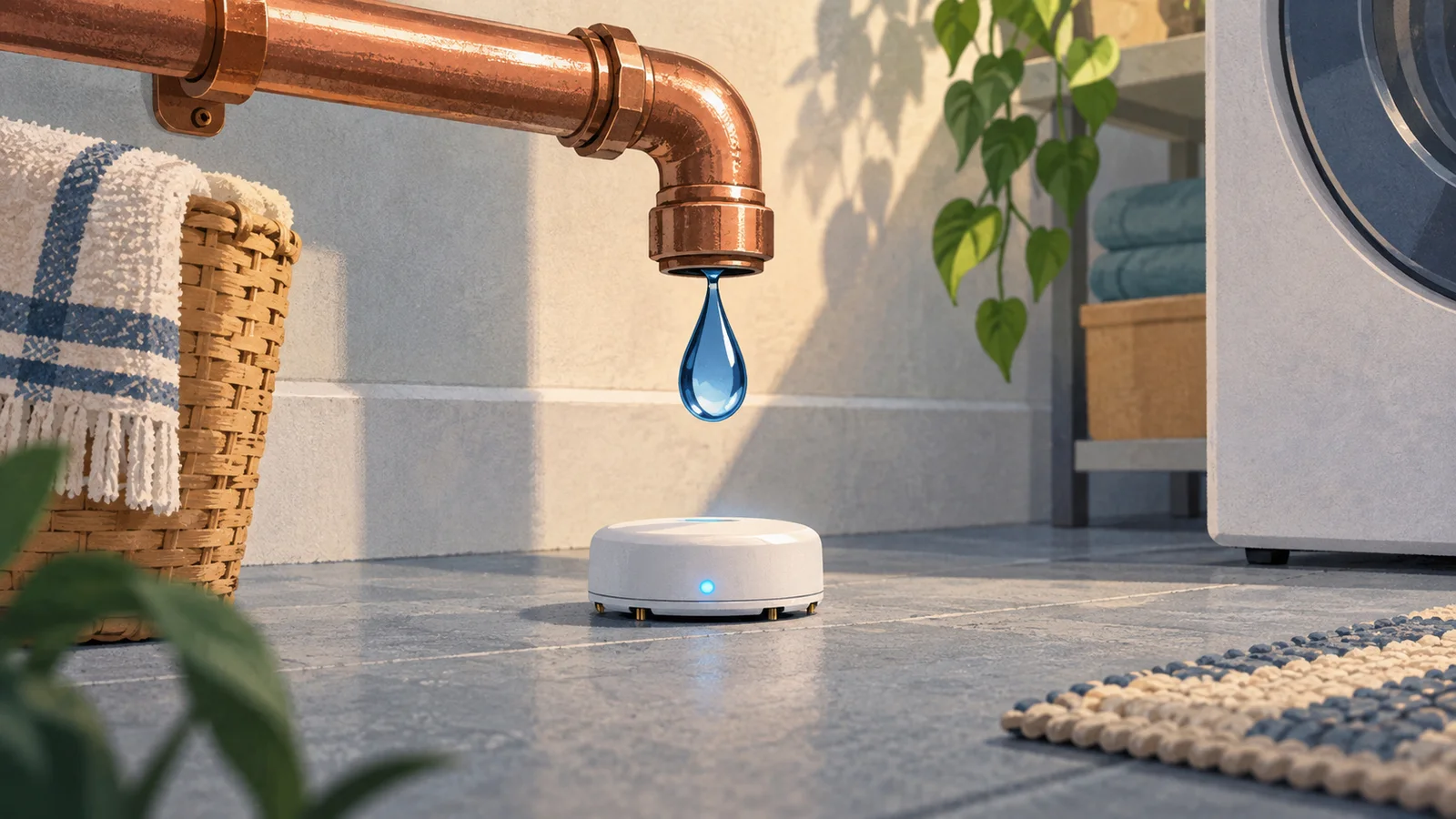
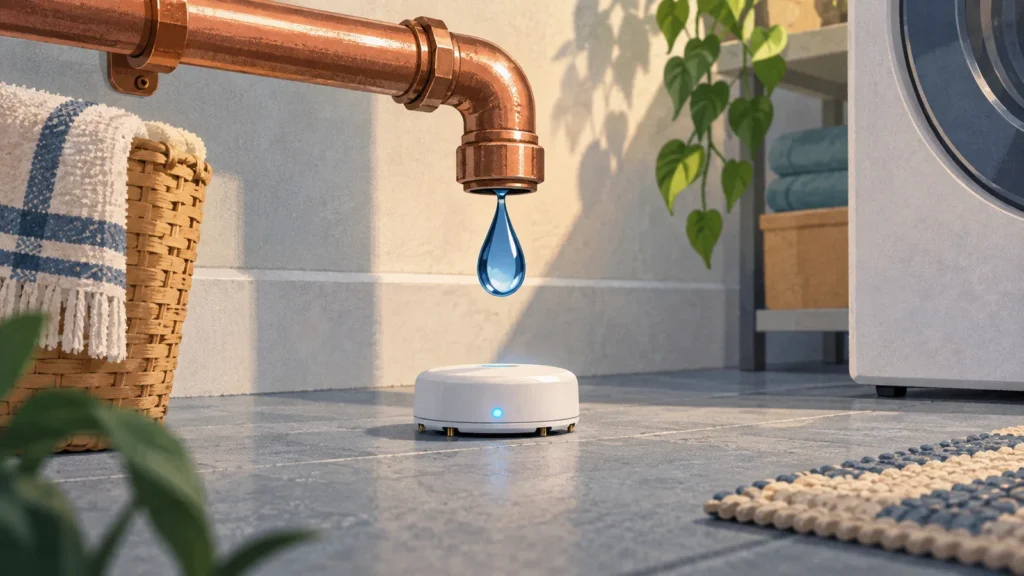
A leak sensor sits under a sink, beside a water heater, behind a washing machine, or anywhere else water could quietly collect while everyone is upstairs arguing about whose turn it is to empty the dishwasher.
Most basic models have metal contacts underneath. When water reaches them, the sensor sounds an alarm. Connected models can also send an alert to your phone, which matters if the leak begins while you are away.
This is smart-home technology at its best: the device watches a place you cannot reasonably keep checking yourself. It may do nothing for three years. Then one afternoon it notices the first puddle under a supply hose before the ceiling below notices it too.
Buy a model with its own audible alarm. A phone notification is useful, but it should be an extra, not the only way the sensor can ask for help. Check whether remote alerts require a subscription or a separate hub, what kind of battery it uses, and how it warns you when that battery is fading.
Then put the sensor where water would actually travel. A puck sitting six inches uphill from the washing machine hose may remain serenely dry while the floor does not.
A smart plug is good for one awkward lamp
The strongest case for a smart plug is not “home automation.” It is the lamp behind the sofa.
If you reach into the same dusty gap every evening, a plug with a schedule, voice control, or a button you can reach is a modest improvement to daily life. Seasonal lights are another good use. Set them once, let them switch themselves on and off, and forget about them until January—when forgetting about them becomes its own seasonal tradition.

Look for a physical on/off button, because phones disappear into couch cushions and Wi-Fi has moods. Check whether scheduled actions still run without an internet connection, whether the plug blocks the neighboring outlet, and whether the connected lamp returns to its previous state after power is restored.
The ordinary wall switch is still the better choice when it is within reach. And a general-purpose smart plug is not an invitation to remotely run anything with a heating element or a heavy electrical load. Do not connect a space heater or similar appliance unless both the plug maker and the appliance maker explicitly approve that use.
You may see the Matter logo while shopping. Matter is a compatibility standard meant to help products work across different smart-home systems. It is useful, especially if you do not want to be trapped in one company’s app, but the logo is not a magic “works with everything” sticker. You may still need a compatible controller—the device in your home that coordinates the system—and certain features may remain inside the maker’s own app.
In other words, Matter is a reason to keep reading the box, not a reason to stop.
A video doorbell can be useful—and still charge rent
A video doorbell answers two ordinary questions: Who is there? And did the package arrive?
For a household that regularly misses visitors or deliveries, that can be enough to justify it. A wired model usually avoids the recurring chore of removing the doorbell to recharge its battery. But “wired” describes how the unit receives power; it does not promise that your old indoor chime will work, that recordings will be stored locally, or that the doorbell will behave normally during an internet outage.
This is the category where the price on the box tells you the least. Before buying, find out what you can do without a subscription. Live viewing may be free while recorded history—the useful part after a package disappears—requires a monthly plan. Another model may store video locally but require extra hardware. Neither arrangement is automatically bad. The mistake is discovering the arrangement after the doorbell is screwed to the house.
Also check whether the model works with your existing transformer and chime, and whether your Wi-Fi signal is strong at the front door. If the camera faces a neighbor’s window or captures most of the sidewalk, adjust the view and motion zones. You want to know when someone reaches your door, not produce a documentary about everyone who walks past it.
If all you need is a doorbell, buy a good button and chime. They remain excellent at being doorbells.
A smart thermostat should fix the thermostat—not decorate it
Some older programmable thermostats appear to have been designed by people who resented temperature. Setting a weekday schedule involves tiny buttons, mysterious abbreviations, and the uneasy feeling that you have accidentally scheduled February.
A smart thermostat can be worthwhile when it replaces that interface with something the household will actually use. It also helps when schedules change often, you want to adjust the temperature while away, or remote sensors would solve a real hot-room/cold-room problem.
But a smart thermostat does not save energy merely by being smart. Any benefit comes from temperature adjustments that suit the home and actually happen. If a basic programmable thermostat already follows your stable routine, a connected replacement may be a nicer dial with another account attached.
Compatibility matters more here than it does with a lamp. Heating and cooling systems vary, especially heat pumps and multi-stage equipment. Some smart thermostats also need a C-wire, the wire that supplies continuous power to the thermostat. Check the manufacturer’s compatibility tool before buying; if the result is unclear, this is a sensible place to ask an HVAC professional rather than experiment with the wall wiring.
Your utility may offer a rebate. Read the conditions before accepting it. Some programs simply reduce the purchase price; others involve demand response, which means the utility may adjust your thermostat during periods when the electric grid is under heavy strain. That can be a fair exchange, but it should not arrive as a surprise in the middle of a heat wave.
Whatever model you choose, anyone standing in front of it should still be able to change the temperature without finding a phone.
The gadgets I would leave on the shelf
I would not choose a major appliance because its app can announce that the laundry is done. Buy the better washer, refrigerator, or oven. Treat the connected features as extras, because the appliance may last much longer than the software enthusiasm surrounding it.
I would also avoid air fresheners and similar devices whose intelligence seems mainly devoted to selling proprietary refills. And I would be wary of any product that loses its main purpose if the manufacturer closes its cloud service. A gadget that becomes ordinary after an outage is inconvenient. A gadget that becomes useless when a company changes direction was never fully yours.
There are important exceptions. Motorized blinds, connected locks, and voice controls can remove real barriers for someone with limited mobility, reach, vision, or memory. A device that looks frivolous in one house may be the thing that gives someone more independence in another. The question is not whether the category is clever. It is whether the device solves a specific problem for the people living there.
Before you bring another app into the house
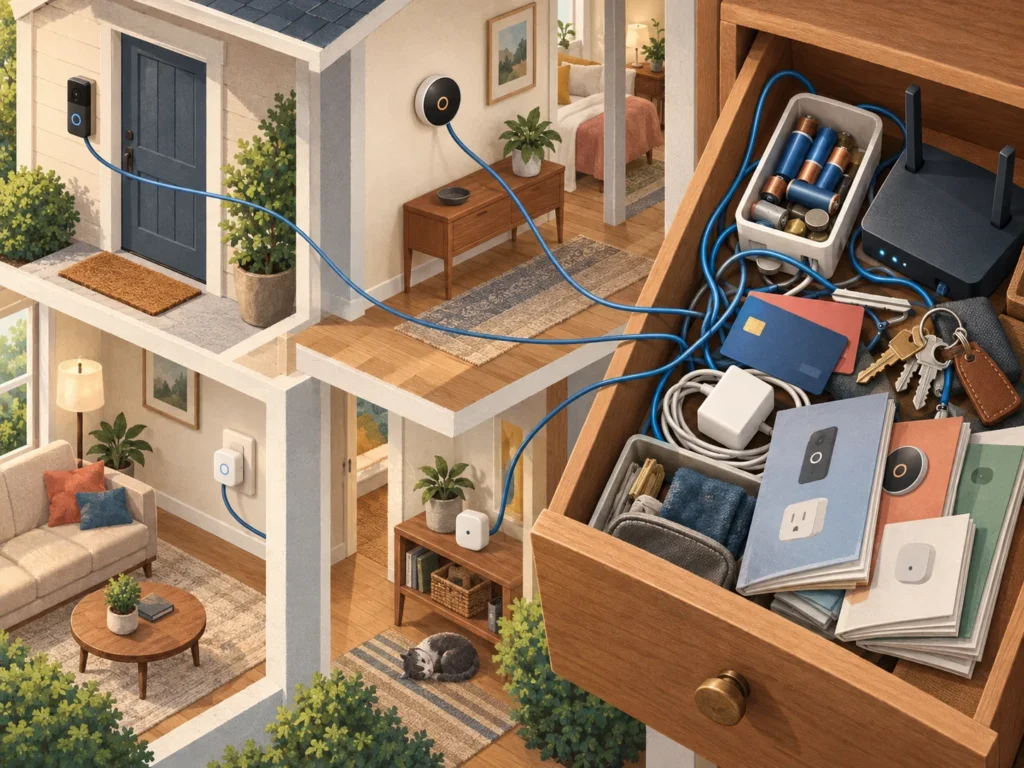
The purchase price is only the first cost. There may also be a subscription, batteries, a hub, account setup, software updates, permissions, and eventually the memorable evening when you replace the router and must introduce every connected object to the new Wi-Fi password.
So before checkout, get clear answers to four questions:
- What useful thing does this do that I need repeatedly—or what expensive problem could it catch?
- What still works if the Wi-Fi or the manufacturer’s service is unavailable?
- Which feature requires a subscription, and what will that cost over a few years?
- Can another person in the house operate it without my phone?
For devices with cameras, microphones, locks, or information about when you are home, also look for a clear software-support policy, security updates, two-factor authentication, and a way to delete your data. Use a unique password and turn off features you do not need.
My practical order is simple: install an audible leak sensor where water would collect. Add a smart plug only where reaching the switch is genuinely annoying. Consider a video doorbell if missed visitors or deliveries are already a problem. Replace the thermostat when the old controls or your changing routine justify it—not because a shiny dial promises that your house is finally living in the future.
Then stop. Live with the device for a month. If it quietly helps without recruiting you as technical support, it has earned its outlet.